This update will turn off invoice option for all org reps booking on the website for the updated schedule only.
Turn off invoice on a website for selected schedules
-
Login as Admin
-
Select Courses and Schedules
-
Search and select your schedule
-
Select the Fees Tab on the schedule
-
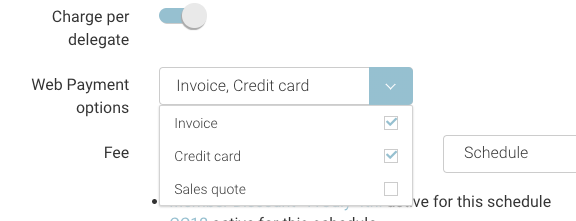
Review the Web Payment Method option
-
From the dropdown de-select Invoice
-
When creating a schedule, Web Payment Method credit card and invoice is selected by default.