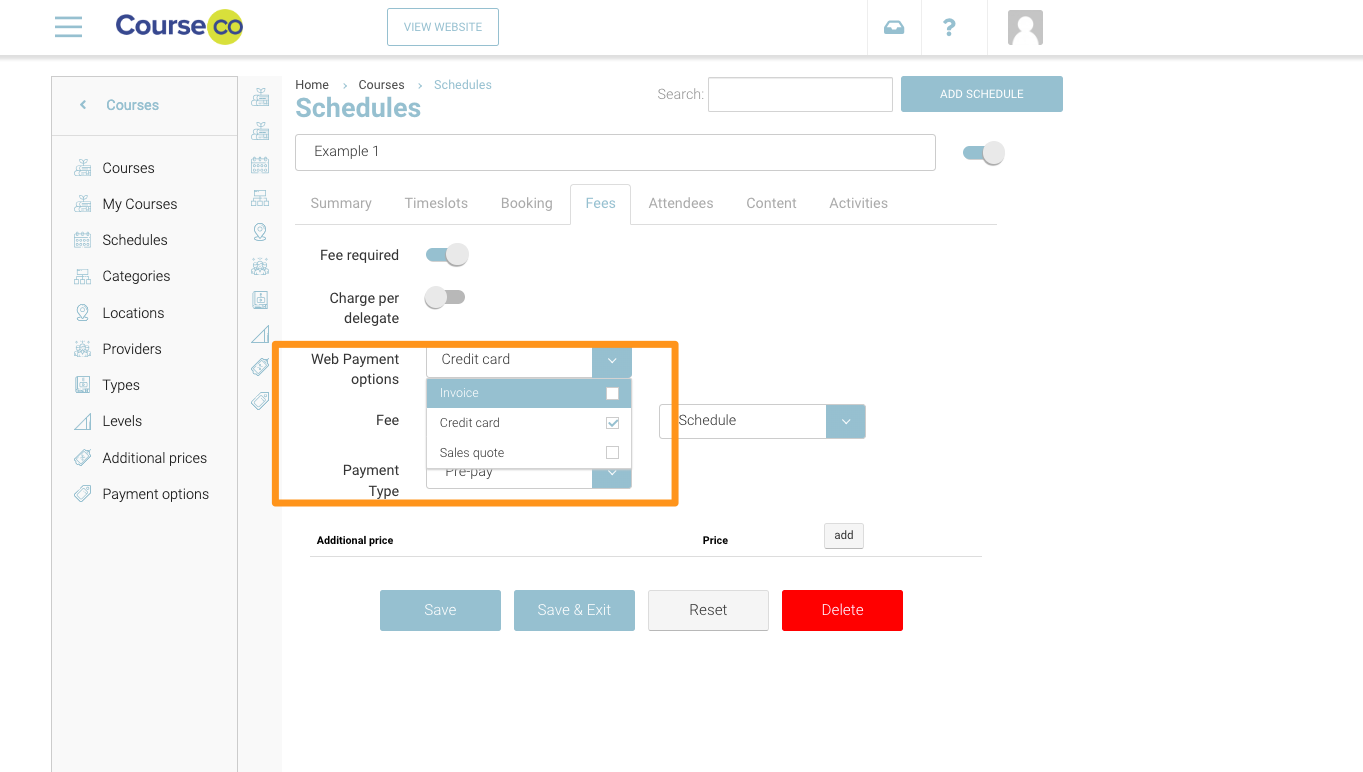
In some cases, you may only want to allow website guests pay via credit card for some courses. This is possible per schedule. Follow the steps below to update.
Removing Invoice Payment option and turning on Credit Card only
-
Login as admin and Open a schedule
-
Navigate to the Fees tab
-
In the Web Payment Options
Outcome: The checkout will only display the selected Options on the checkout.