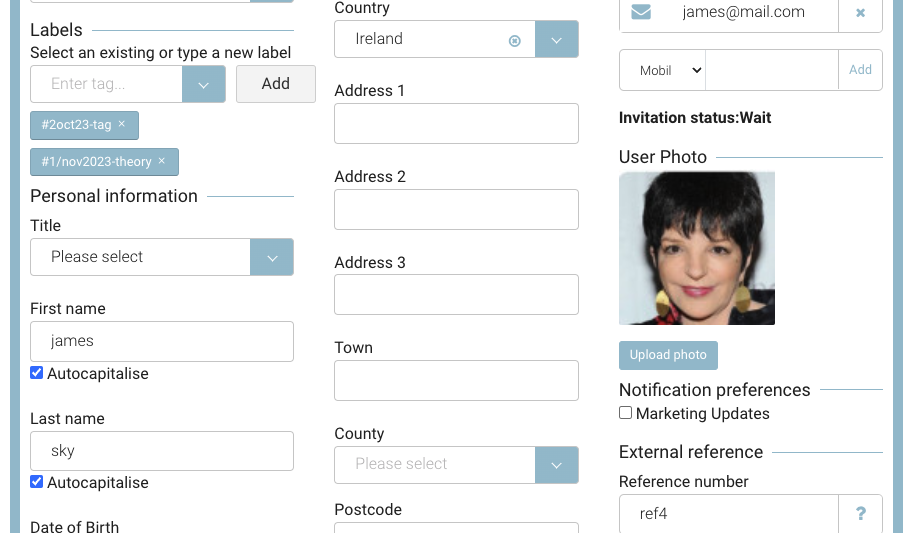
This is an add on feature, contact us if you would like to discuss adding contact profile images
How to upload a contact image
-
Login as Admin
-
Open contacts
-
Search and select your contact
-
Use the ‘Upload Photo’ under the User Photo section
-
Upload image locally
-
Resize image to fit the frame
-
Save
Outcome:
-
The image displays on the admin contacts file
-
The contact can see this image when they login to their portal and open profile
-
The trainer attendance app will populate the students profile image