
Make sure you have received a payment or a purchase order number from the booker before you start the process.
-
Navigate to the website and log in as an Admin.
-
Search the required bookings using the Booking ID.
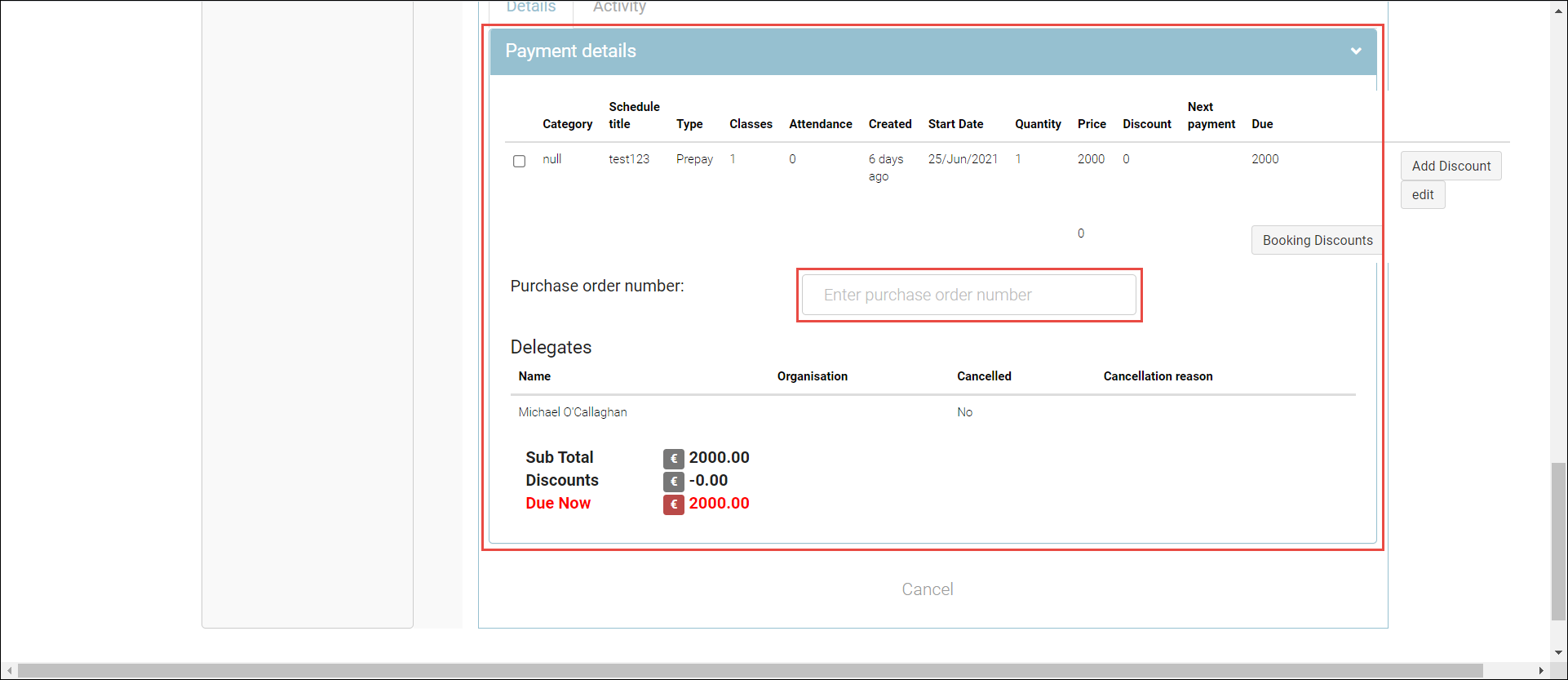
The booking details will be displayed.
-
In the Payment Details section, enter the PO number or credit card reference number.
-
Click Save to complete the process. Now the booking will be confirmed.
Outcomes:
-
The capacity on the schedule will be reduced by the delegate number on the booking.
-
The booking confirmation will be sent to the lead booker.
-
The attendance sheets will be updated.
-
The delegates will be able to see the booking on their timetable.
-
The delegates will receive the course’s automated emails.
-
The reports will be updated with the income.