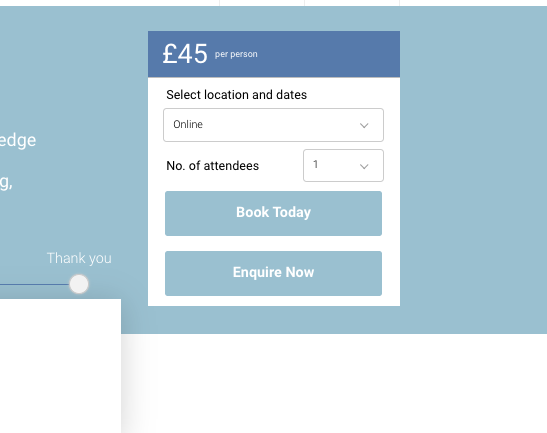
Your Issue: The Book Now button doesn’t display on the course detail
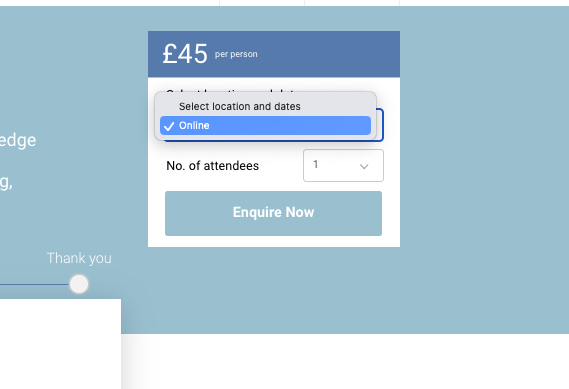
Preconditions - You have published a course on the website and created upcoming, available schedules.
Solution: You most likely have not turned on ‘Show Book Course’ on your course.
To turn on ‘Show Book Course’
-
Login as Admin
-
Go to course
-
Search and select the applicable course
-
Scroll to the end of the page
-
Toggle ON ‘Show Book Course’
-
Save
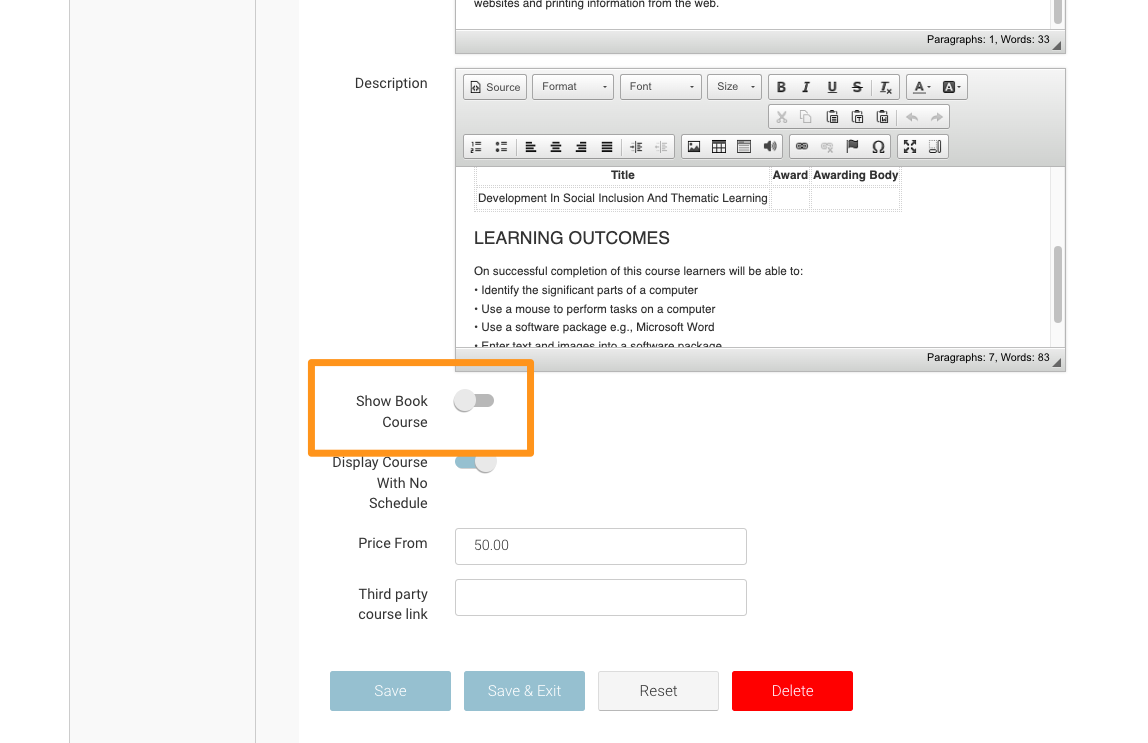
Toggle on Show Book Course
Outcome
Your course displays a book now button on the course-detail page.