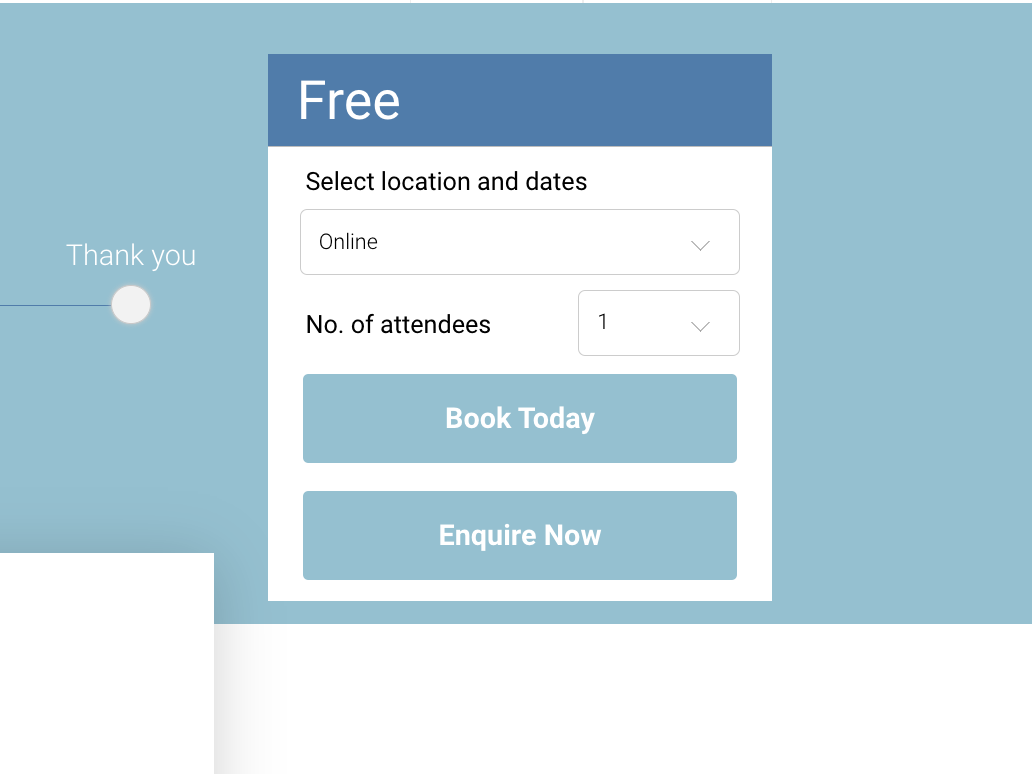
In some cases, you may want to offer courses free of charge. This can be completed in the below steps.
-
Login as admin
-
Create a new course
See complete user guide on creating a course
-
Once the course has been added, create a new schedule
See complete user guide on creating a general schedule
-
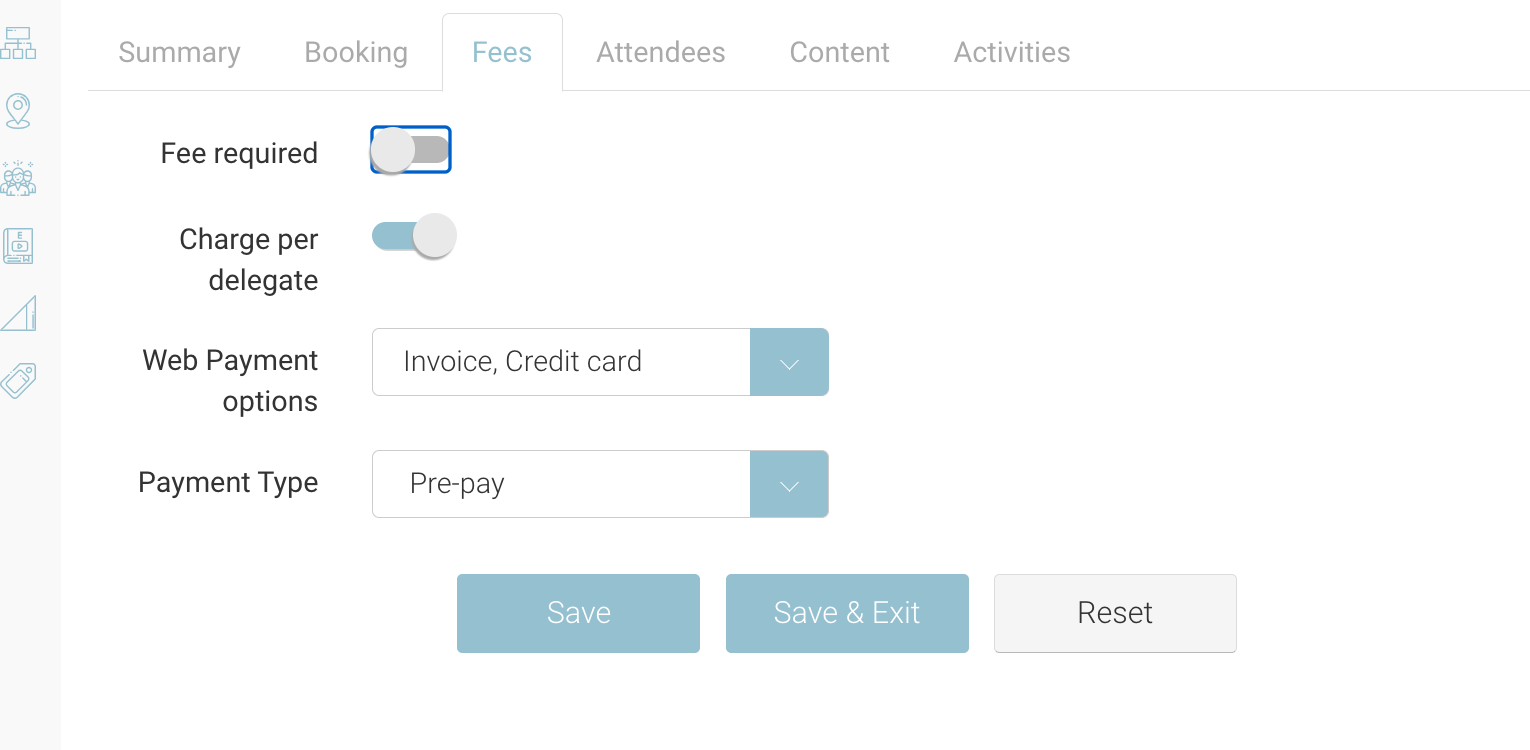
While on the schedule > Fees Tab, toggle the ‘Fee Required’ to Off/No
-
The price inputs will be turned off also, so admin won’t be able to add a cost.
-
-
Save the schedule
Outcome:
-
Your course will be advertised with FREE on the course-detail widget.
-
Bookers can add to cart
-
Bookers will need to add the delegate details only
-
Card/billing address is not collected on the checkout
-
Checkout Mini cart will read €0 due.
-
Automated emails will trigger as normal