
You can un-publish a course to not show it on the website so that users cannot book the course.
To un-publish a course from your website, please follow the steps here:
-
Log In as an admin
-
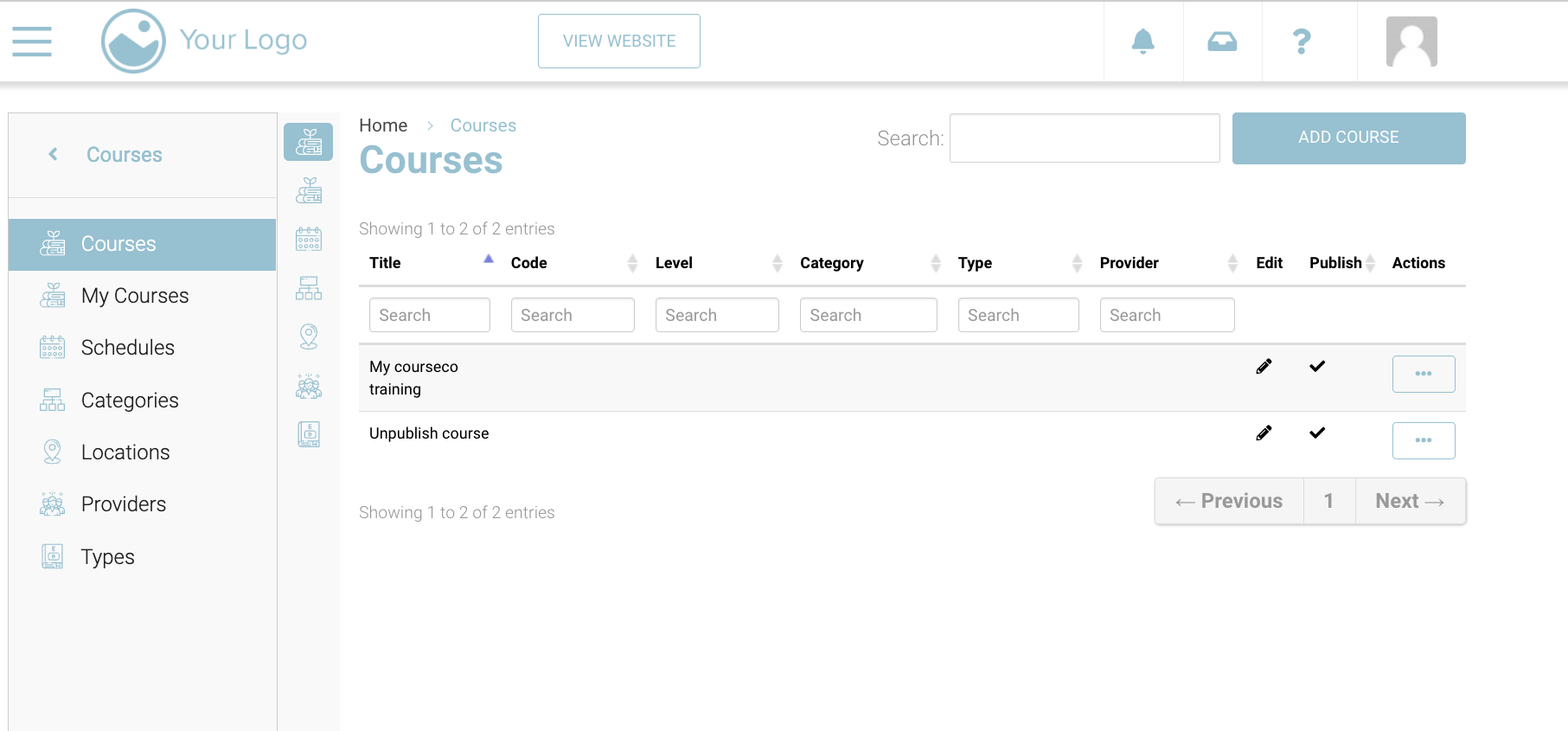
Go to Courses in the left menu.
-
In front of the course, you can see a ‘Publish’ Column
-
To un-publish the course, simply click on the tick mark in front of the course you want to un-publish
-
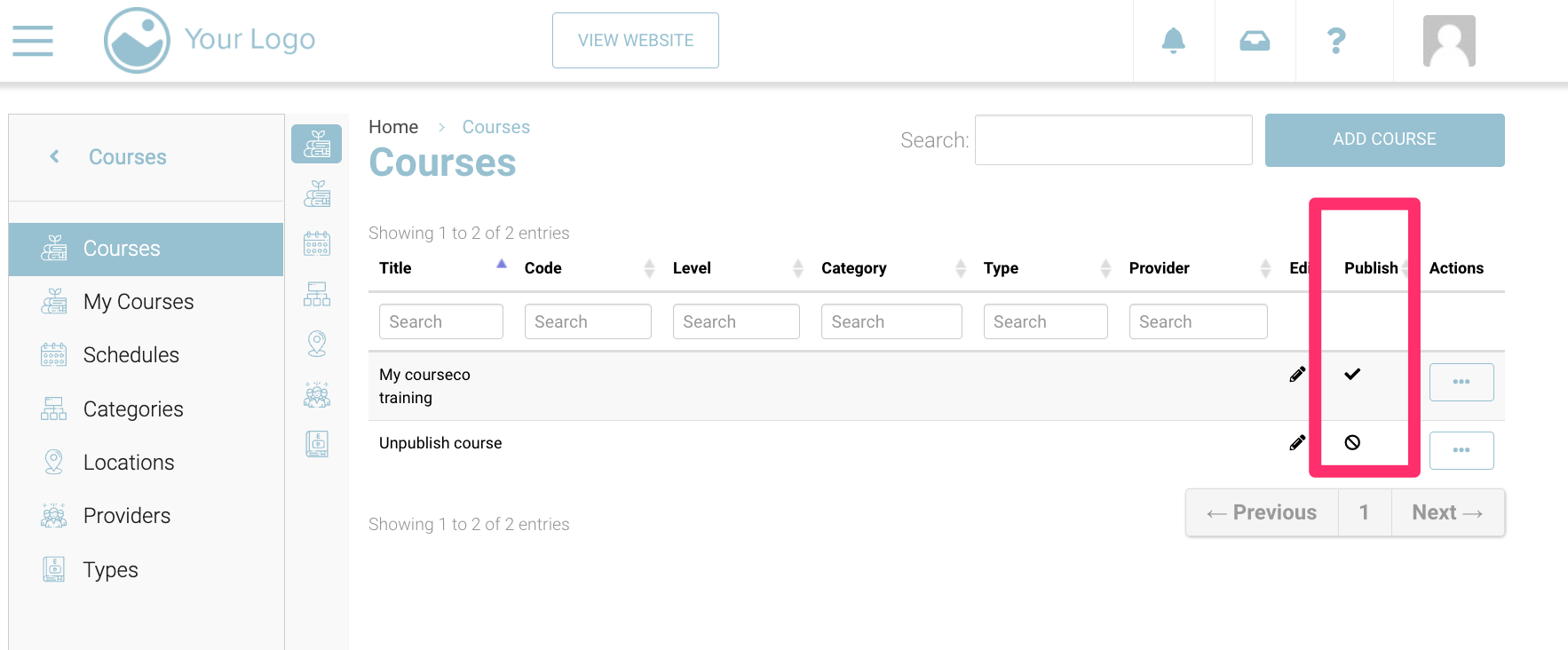
With your click, it will change the status of course from publish to unpublished. See image for reference.
Outcomes:
-
Your course will be unpublished
-
Users cannot book it
-
If you want users to book the course again, you will have to publish it first
To publish it, click on the ‘un-publish’ sign in front of the course to publish it again