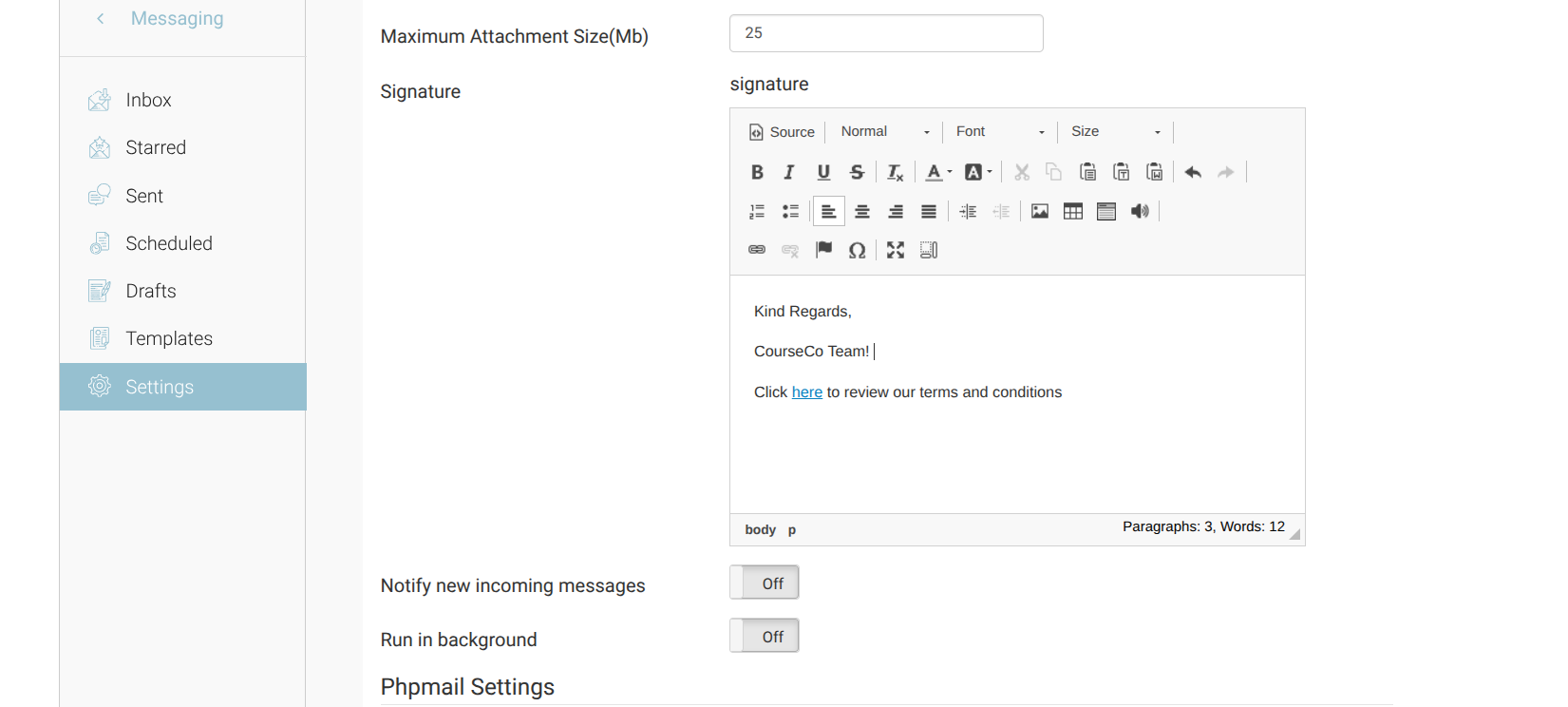
The global email signature is automatically appended to system-generated and automated emails. Updating it in one place ensures consistency across all outgoing communications.
Steps to Edit the Signature
-
Log in as an Admin.
-
Open Messaging from the main navigation.
-
In the left-hand menu, select Settings.
-
Within Settings, locate the Signature box.
-
Edit the content as required. You can:
-
Update contact details
-
Add additional information
-
Insert formatting (if supported)
-
-
Save your changes.
Important Notes
-
The signature applies to all automated emails that use the @signature@ tag in their template.
-
Changes take effect immediately after saving.
-
Review formatting carefully to ensure it displays correctly across email clients.