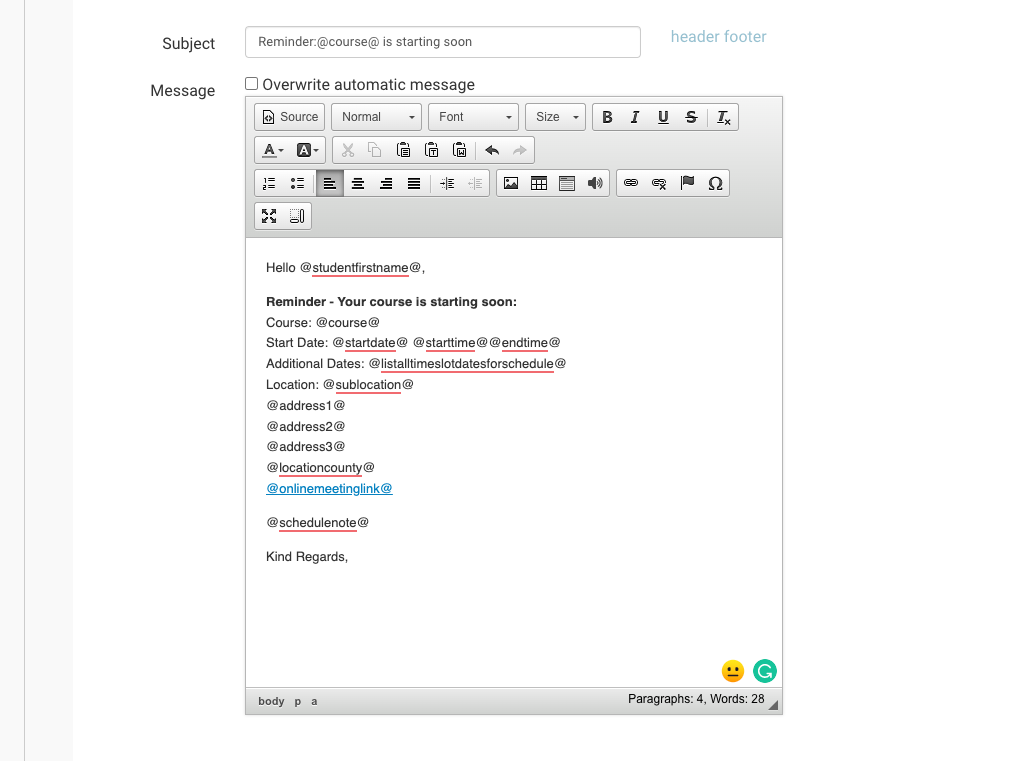
You can edit the text of your automated emails at any stage. This update will impact emails triggered going forward.
-
Login as Admin
-
Select the Messaging Plugin
-
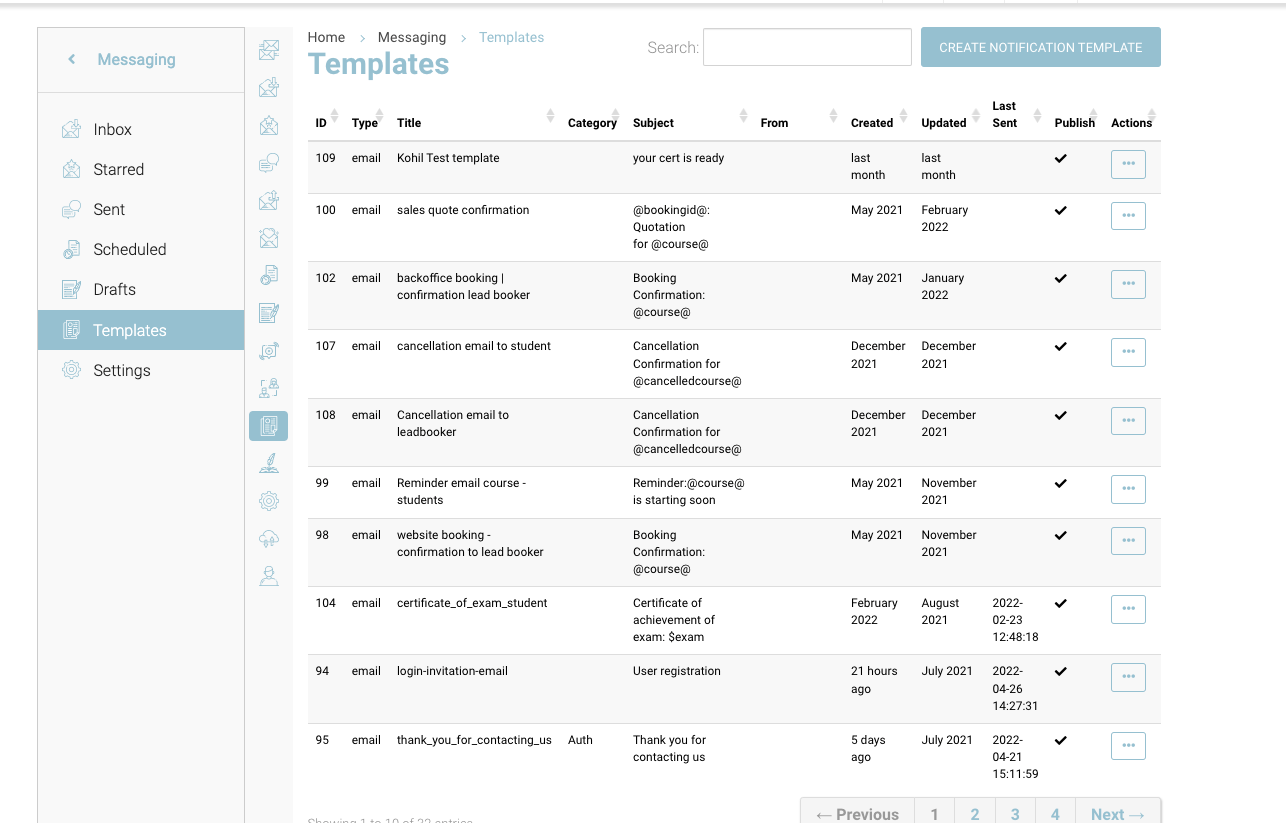
On the left menu, select Templates
-
You can see all your templates available
-
Using the search by title or subject line to find the correct template
-
Select the template and scroll down to the text editor
-
Edit the Subject or Message
-
Save
You can move/ delete tags eg @firstname@, but please do not edit these as they are case sensitive.