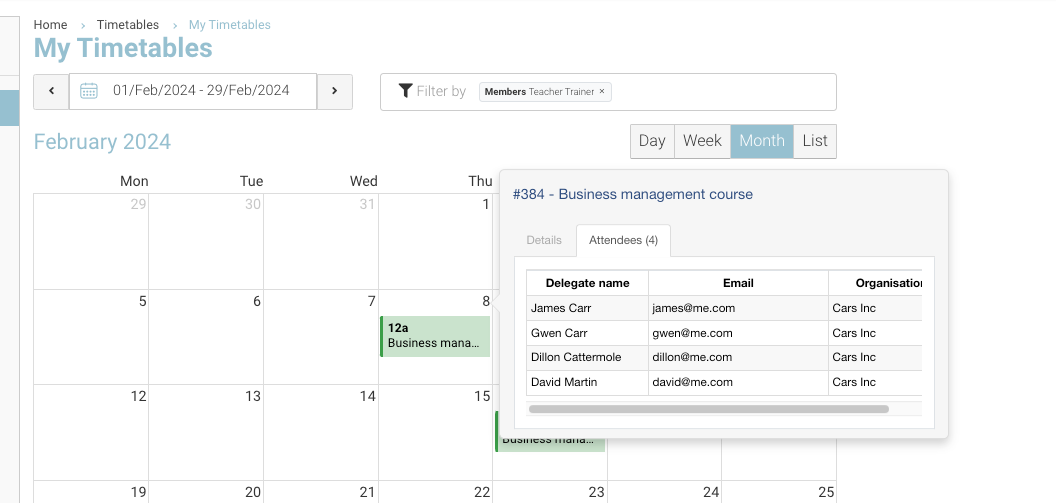
You can view the confirmed attendees via the calendar. It is also optional to view their mobile, email and Organisation.
Admin | Viewing attendees on a time slot
-
Login as Admin
-
Open the left menu, timetable
-
Select applicable timeslot
-
Select Attendee Tab
Options:
-
Select attendee name, this will open their contact file on a new tab
-
View linked organisation column, attendee mobile and attendee email.
Contact us to turn on/off email, mobile or organisation column on the attendee tab
Trainer | Viewing attendees on a time slot
Trainers can view their timetable in read only. See options below
-
Login as a trainer
-
Open left menu My Timetable
-
Review slots - these are the schedules the trainer has been assigned to.
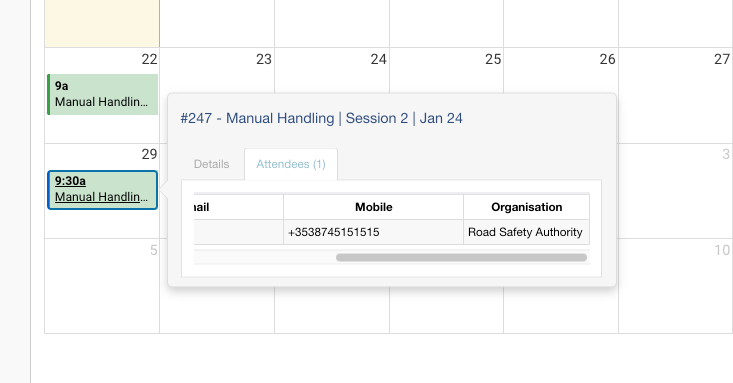
You may want to restrict some columns from the trainer - Contact us to turn on/off email, mobile or organisation column on the attendee tab.
Below image, displays trainer timetable. Email and organisation column is ON, the mobile column is off (columns available to the trainer are optional)
Please confirm the columns you would like available to the trainer. By default, we turn on organisation column only