This option is only available if you have Flexi Payments or subscription payments Add on.
1. Log In
-
Go to the website and log in via the user icon (top right).
-
Enter your email and password.
2. Access Saved Cards
-
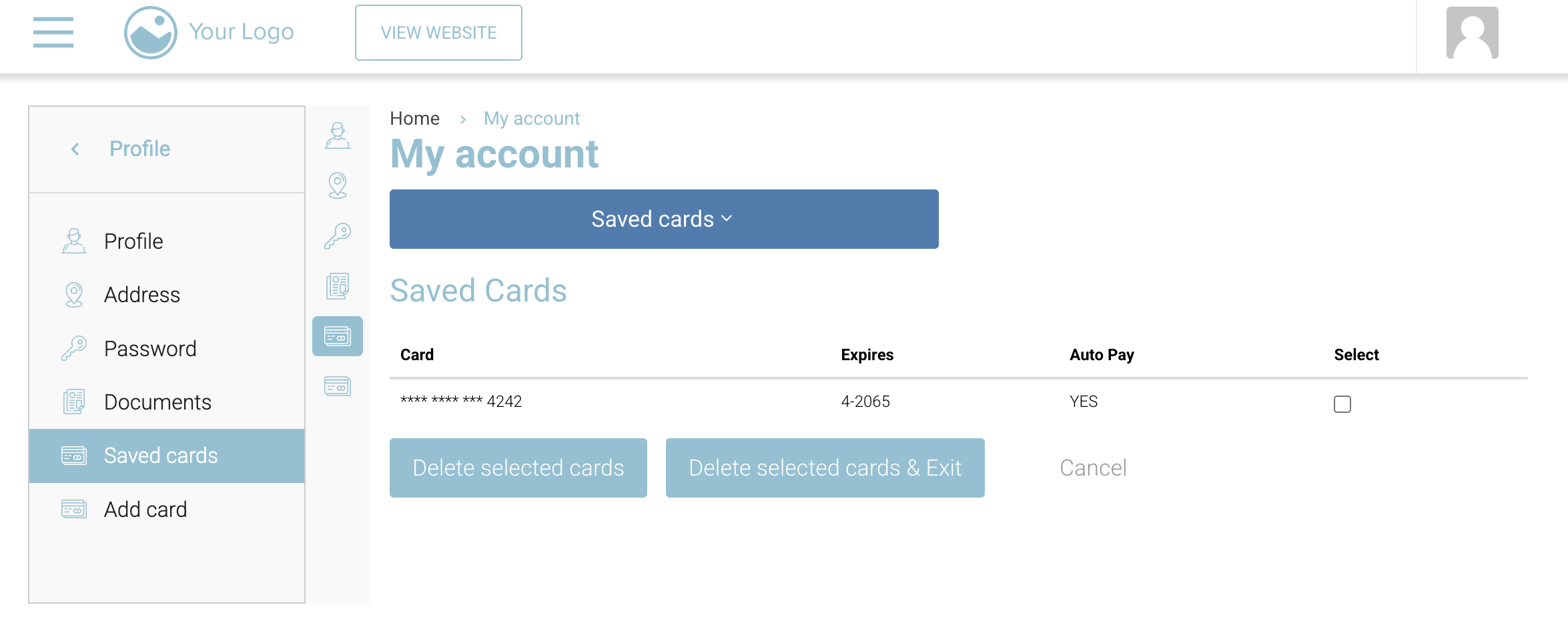
In the left menu, click Profile > Saved cards.
3. Delete a Card
-
Tick the checkbox beside the card.
-
Click “Delete selected cards” or “Delete selected cards & Exit.”
🔔 If the card is set to Auto Pay, add a new card before deleting.
4. Add or Update a Card
-
Click “Add card” in the menu.
-
Enter new card details and save.