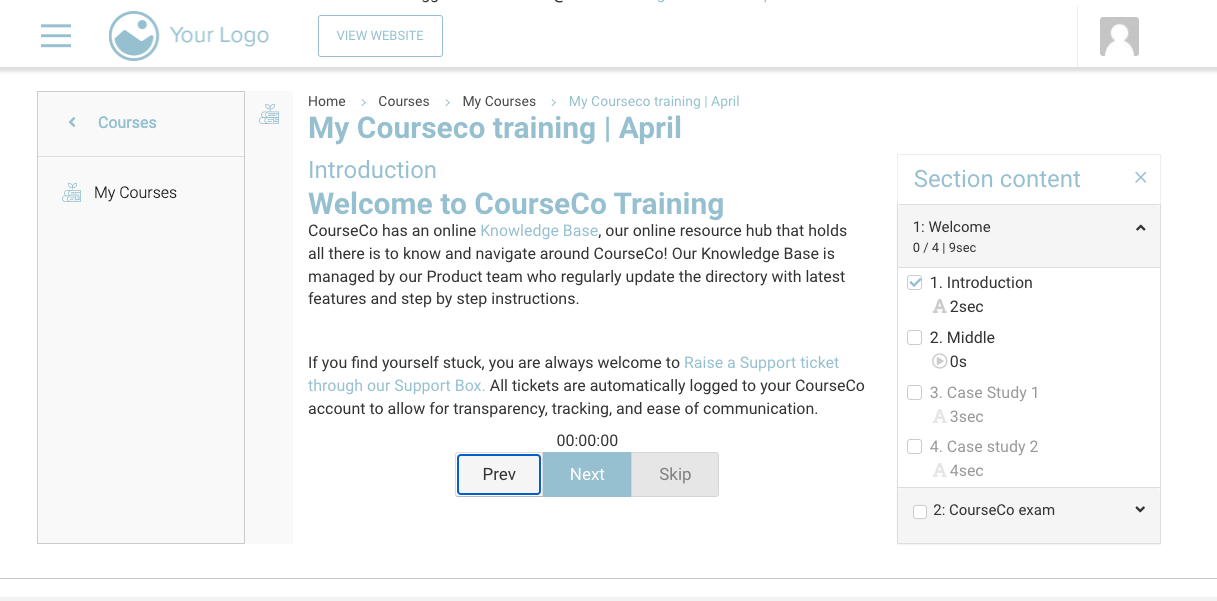
To access the Courses overview, follow the steps below:
-
Navigate to the website and log in.
-
Click your profile picture at the top-right and click MY ACCOUNT
-
Click Courses > My Courses
-
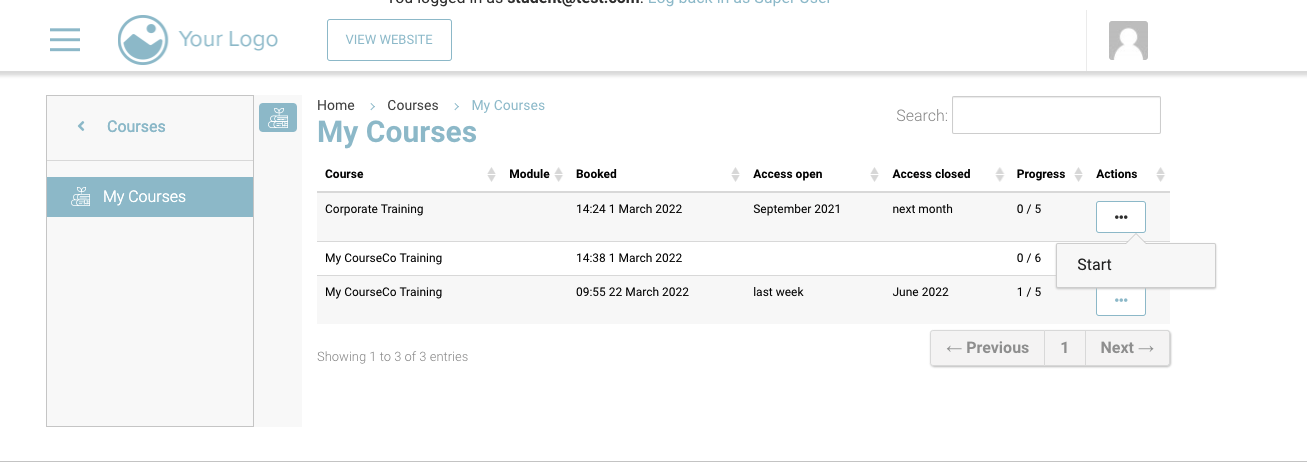
On the list screen, you will see your booked courses
-
On the Actions Column, START/Continue will appear if you have access to the course
-
-
Using the access open/access closed columns, students can see when the content was shared and when it will be/was removed