
This is a Prime Package Feature. Contact your CRM lead to find out on how to upgrade your package
To upload an image to a question, please follow these steps:
-
Log In as an admin
-
Go to the Media plugin
-
Upload the image on the media plugin for your question
-
Save the image
-
Go to Questionnaire plugin
-
Click on ‘New questionnaire’
-
Enter your title for the questionnaire
-
Add question and enter the text
-
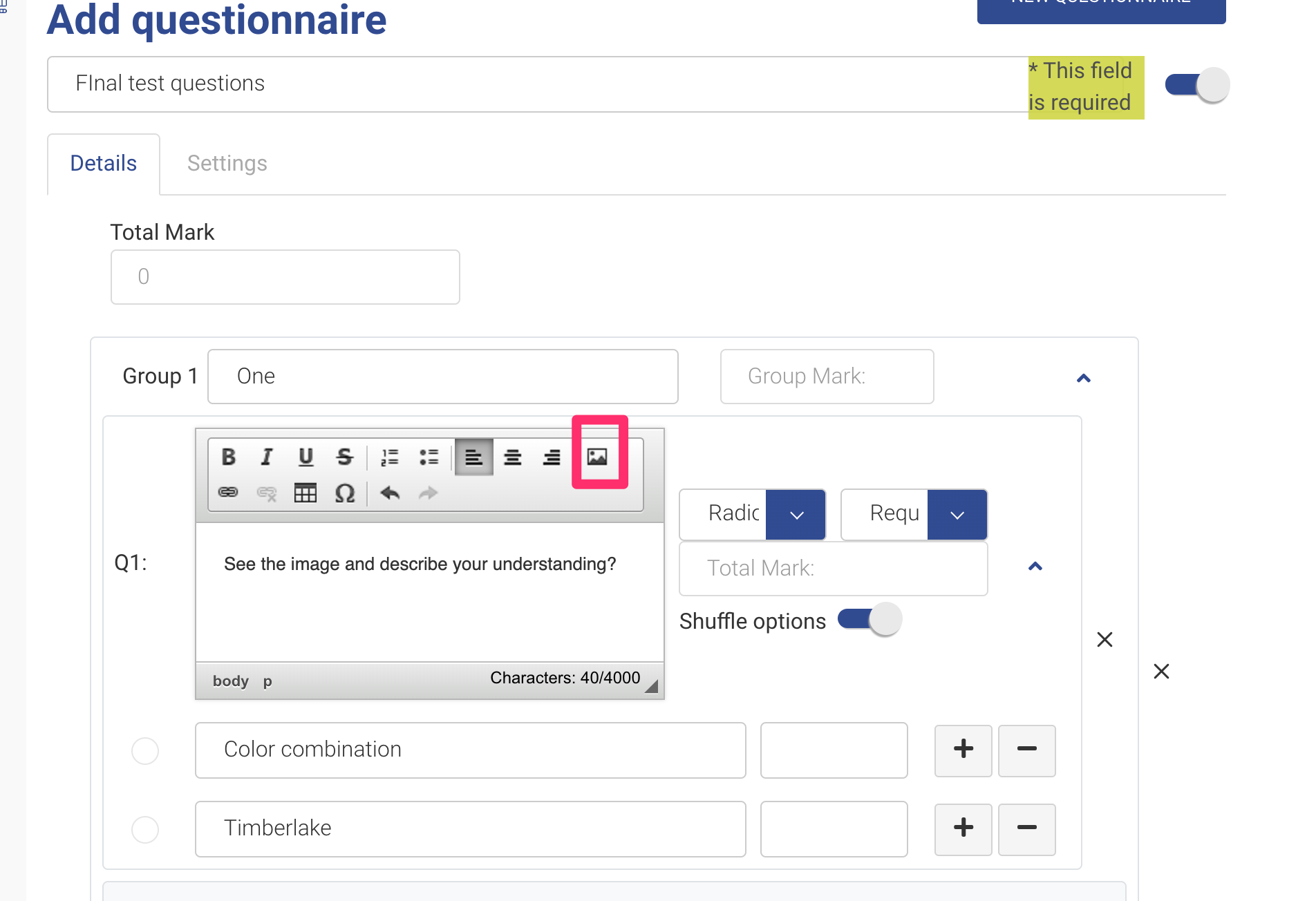
Select the ‘Landscape’ icon
-
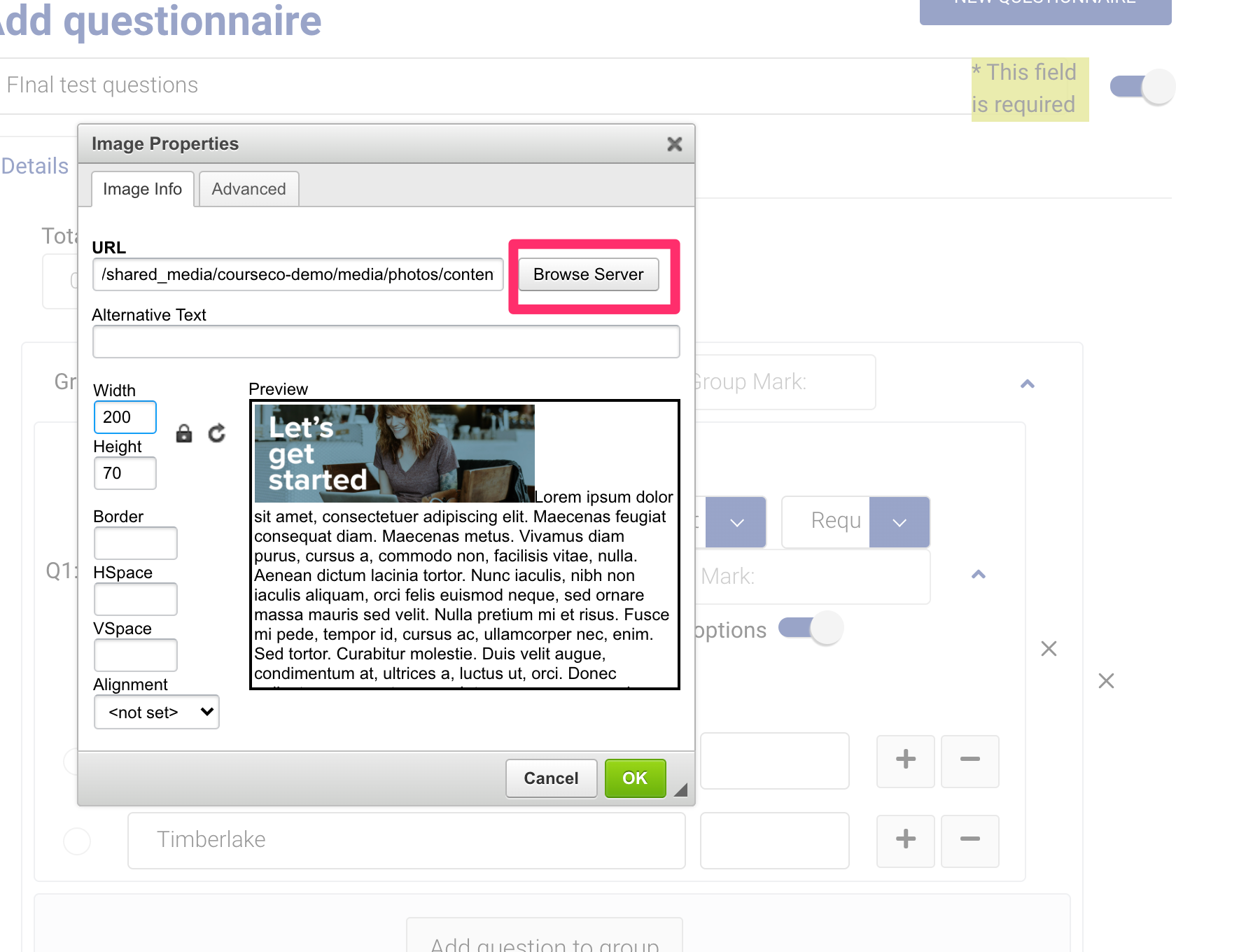
On the pop-up, select ‘Browse Server’ button
-
Select the image you added on media plugin for the question
-
Resize the image as your need
Tip: Keep size around 150-450 px, so that image is not too big
-
Click on Save
-
Click on Save questionnaire
Outcome:
-
The image will be added and saved
-
You can see image on the questionnaire