
With CourseCo you can sell schedules with no scheduled dates and times but just sell content with exams embedded at the end.
Once the exam has reached the pass rate, they can automatically receive a cert
Student | Completing an online self paced exam
Precondition: The student/org rep has been booked onto a self paced course
-
Login as the student / org rep
-
Navigate to the portal
-
Using the left menu, select Courses > My Courses
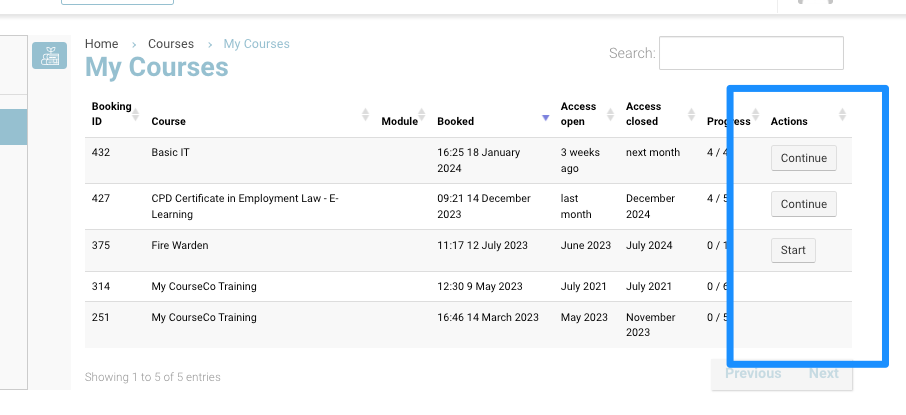
Student can see all booked schedules that have content on the schedule
-
Navigate to the applicable course, select START
-
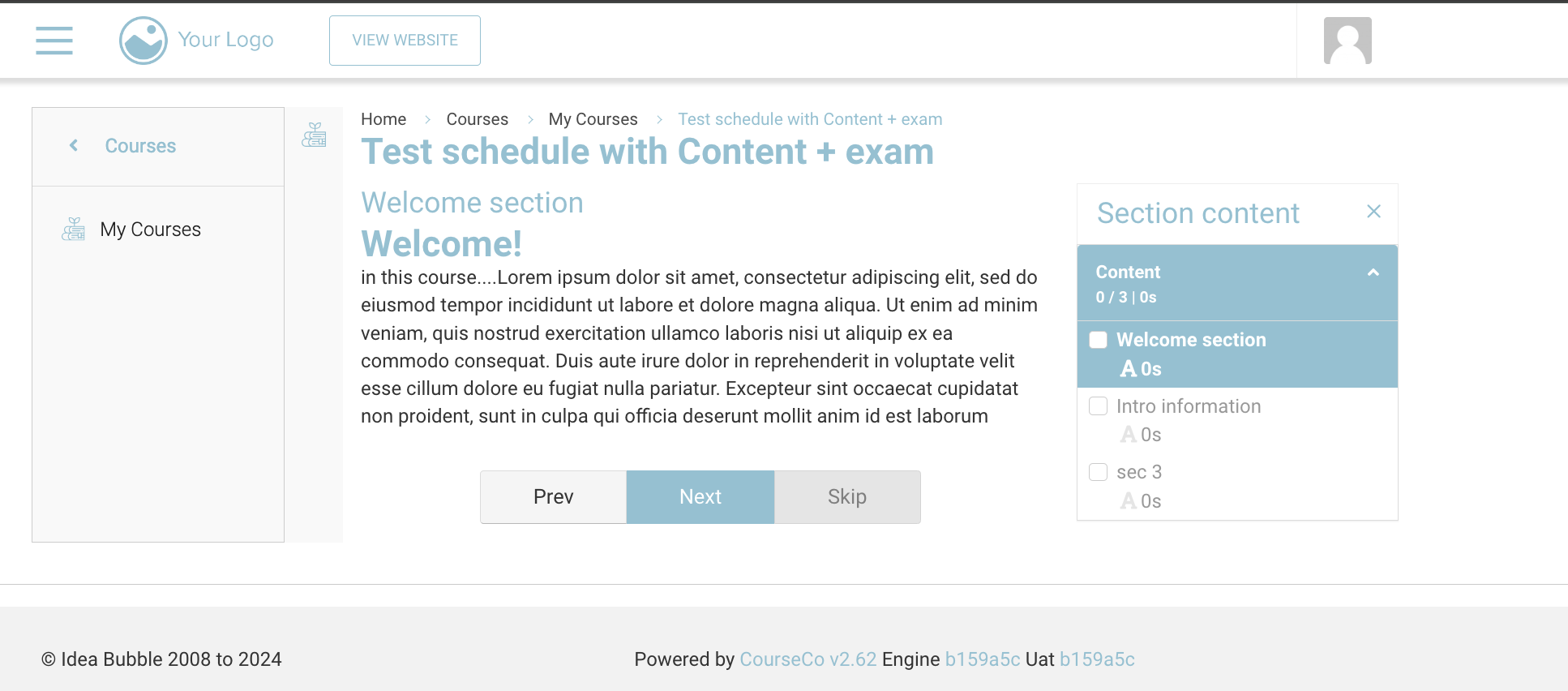
Start the online content
-
Leave the content and come back later / continue where you left off
Admins can run the ‘Course Content Progress’ report to see how long student spent in total on the content - see user guide here
-
The student will see the below screen before their exam
The image ‘test yourself’ is configured by you. This is the same alert for every exam. Please discuss installing this type of image with us.
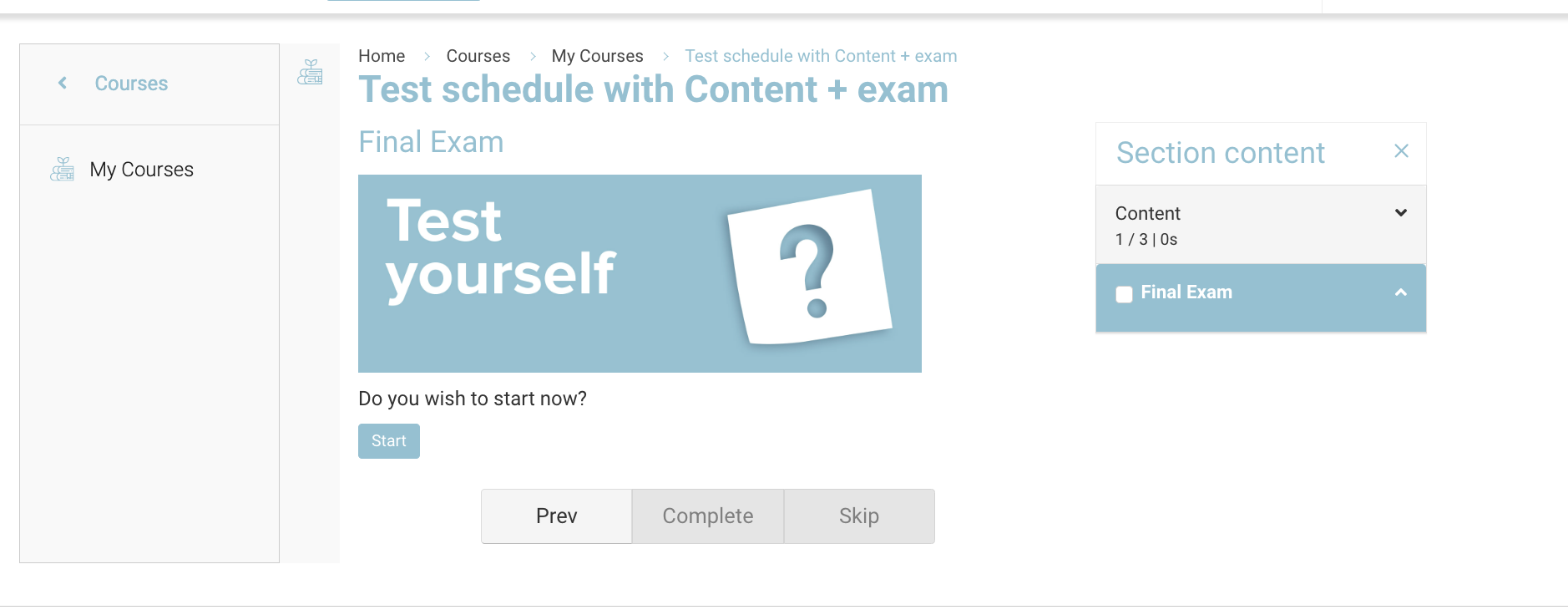
When the student selects START, the timer for the exam will begin.
-
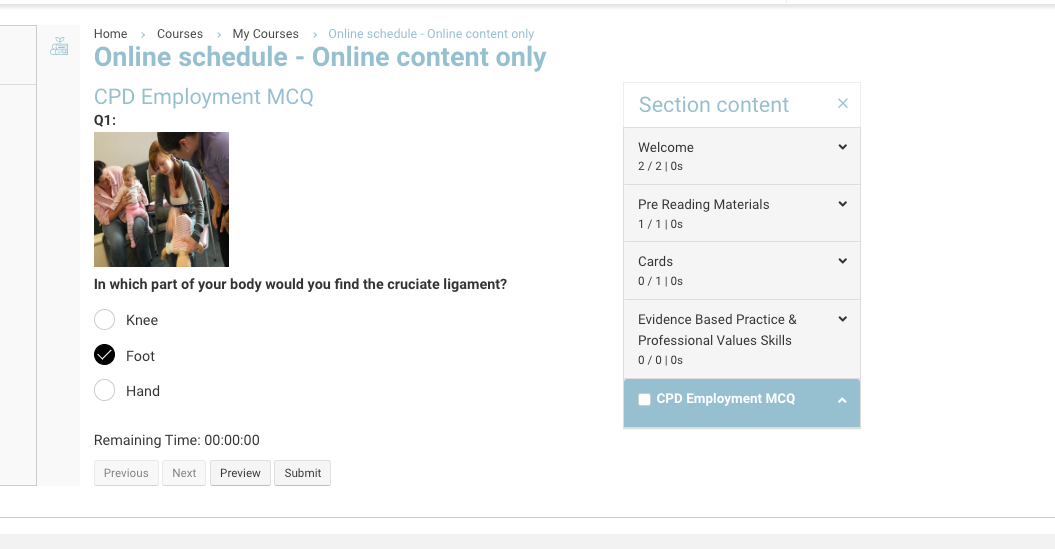
Open exam view The student can navigate through the questions ‘previous’ and ‘next’ options
As the students enters their answer, it is saving on the admin side i.e. if internet drops, CourseCo has stored all answers before the drop in connection.
-
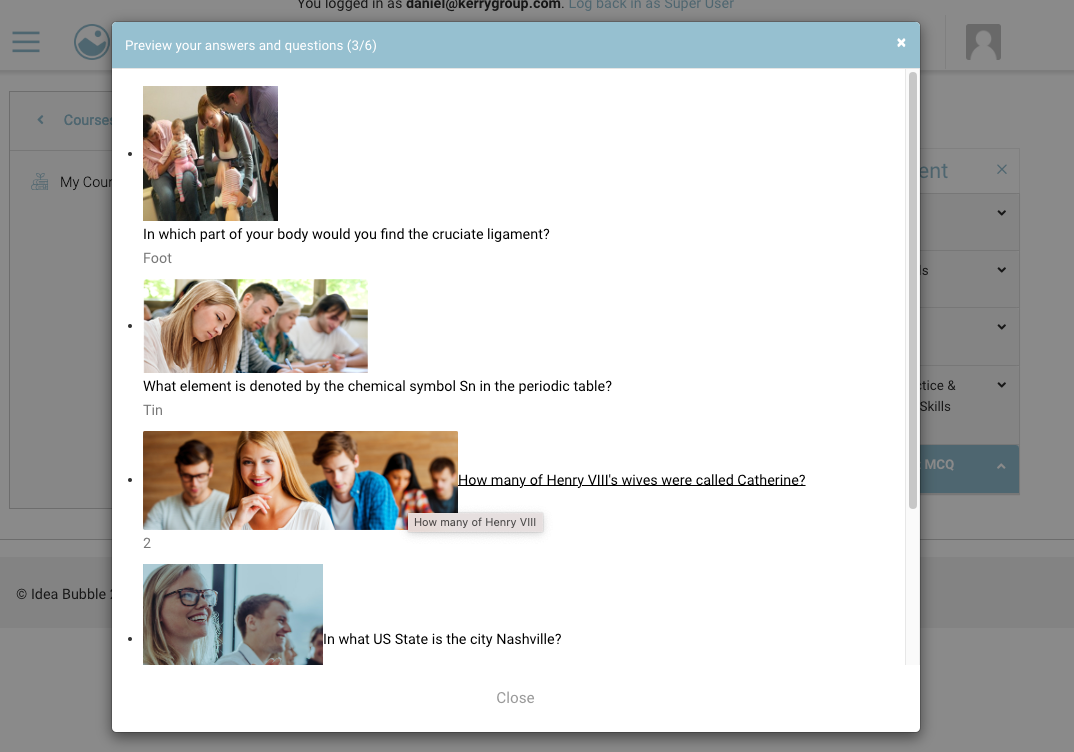
New option to PREVIEW exam. Students can select Preview to view all questions in the exam
-
On the final question, there will be a submit button
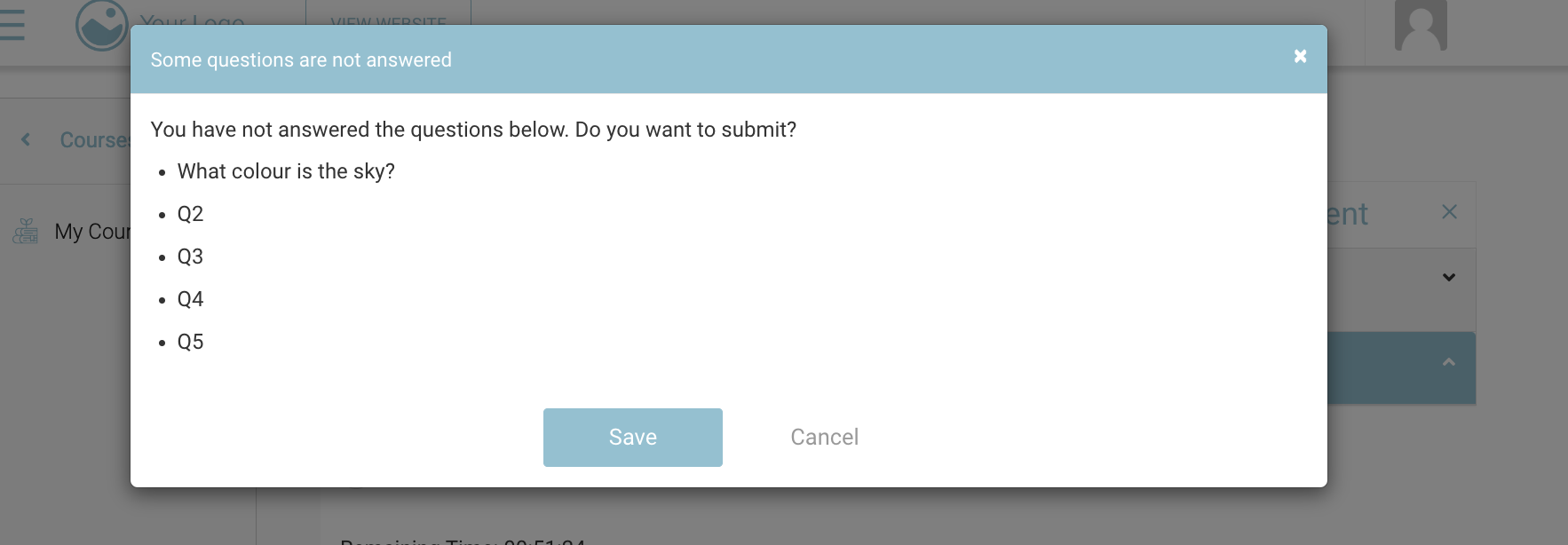
If all the questions have not been answered, a popup warning, highlighting the questions with blank answers
-
Student submits the exam and will be presented with result
Automatic grading is only possible for Multiple choice question type exams (MCQ)
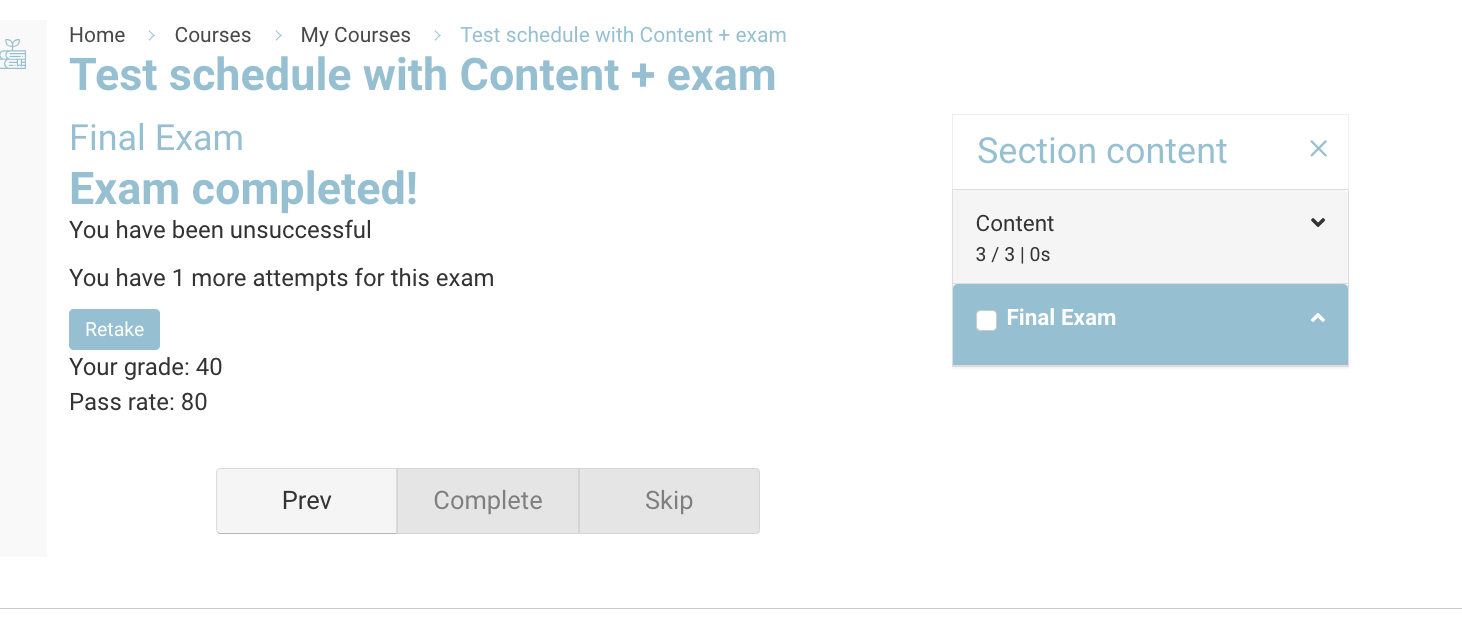
The pass rate is confirmed by you during your onboarding.
-
The student can retake the exam again (if they have remaining attempts)
No of attempts are configured by you when you add the exam to the schedule
-
When student attempts again, all previous answers will be deleted and the timer restarts again.
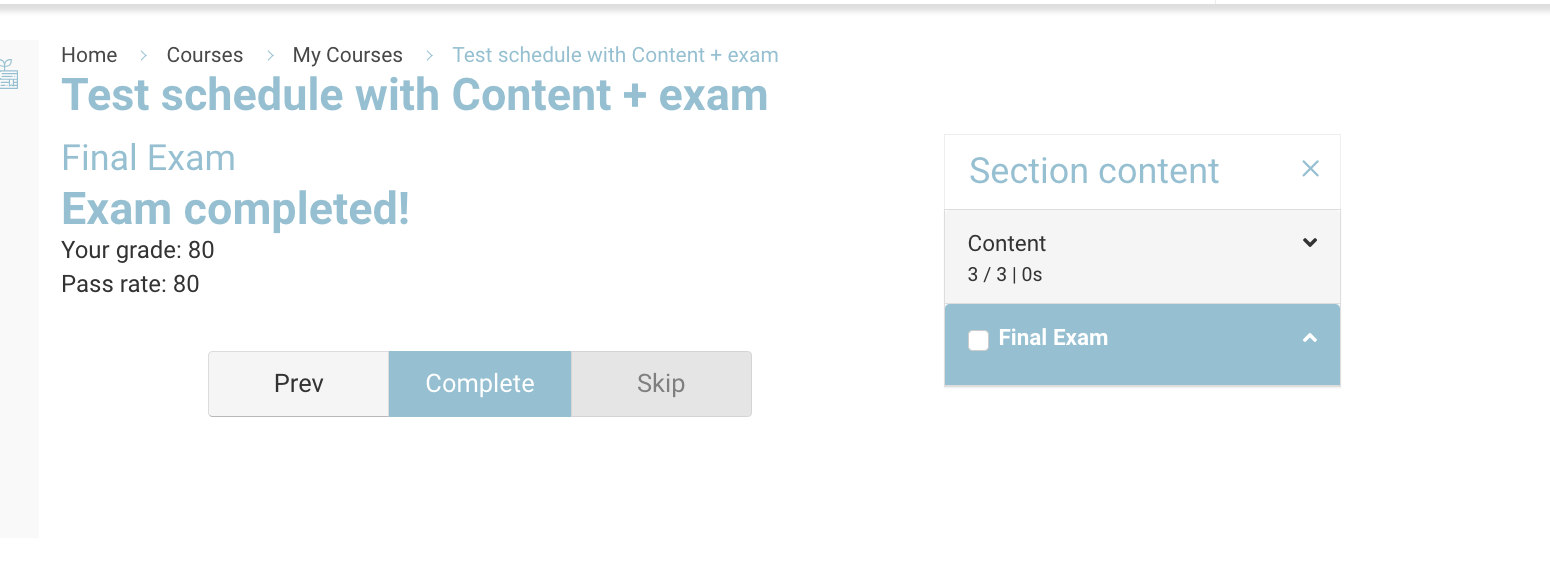
Depending on your configuration, a Cert_of_Exam will be sent to the student when they pass the MCQ exam.