
To access the Bookings overview, follow the steps below:
-
Navigate to the website and log in.
-
Click your profile picture at the top-right and click MY ACCOUNT
-
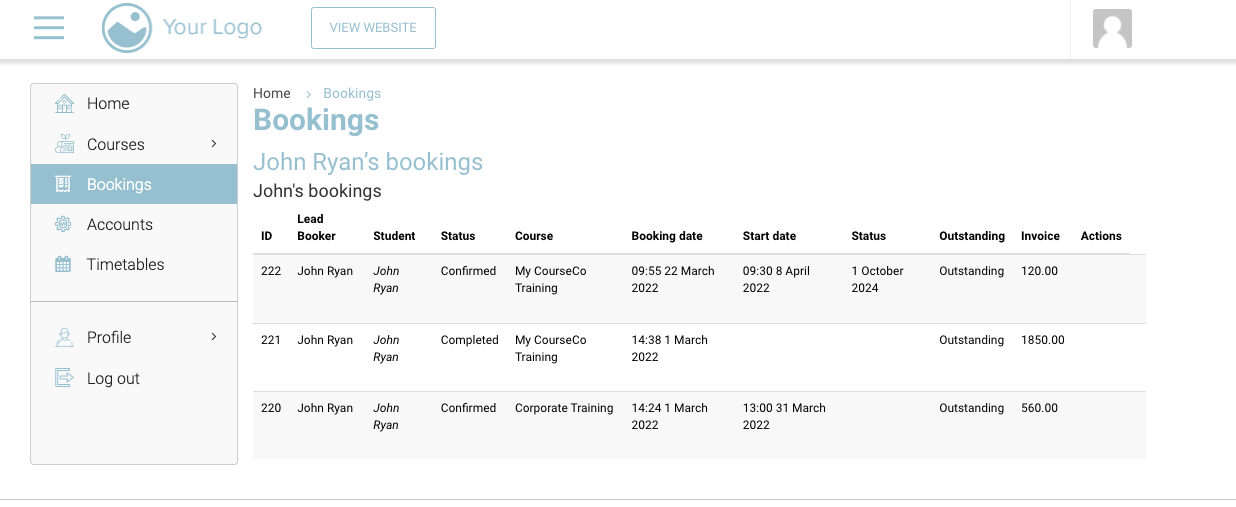
Click Bookings.
The Bookings page will be displayed.
All the booking details like ID, Contact, Course, Type, Status, Start date, Booking Date, Renewal date, Room will be displayed in rows and columns