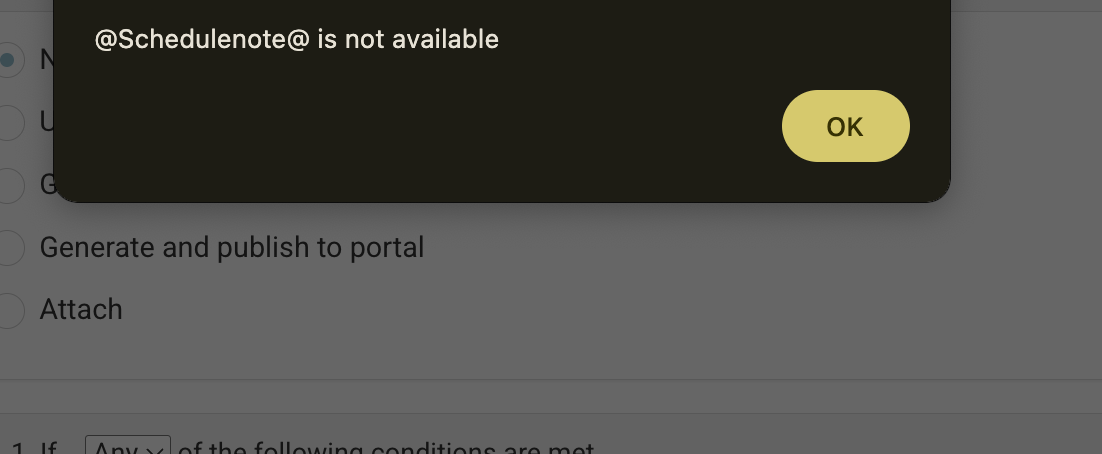
When you add or edit an email automation, the editor now shows a soft warning if you use a personalisation tag that isn’t valid for that event.
Example 1: If you add @
result@ to a Booking Confirmation email, you’ll see a warning because there is no exam result available for a new booking.
or
Example 1: If you add a tag but there is a typo / upper case - eg use @Schedulenote@ instead of @schedulenote@
What this means / what to do
-
The warning is blocking – you can’t save.
-
Use the tag picker to choose a valid tag, or
Steps to Test
-
Login as admin
-
Open Automations
-
Assign email template / edit email template with invalid tag
-
Try to save