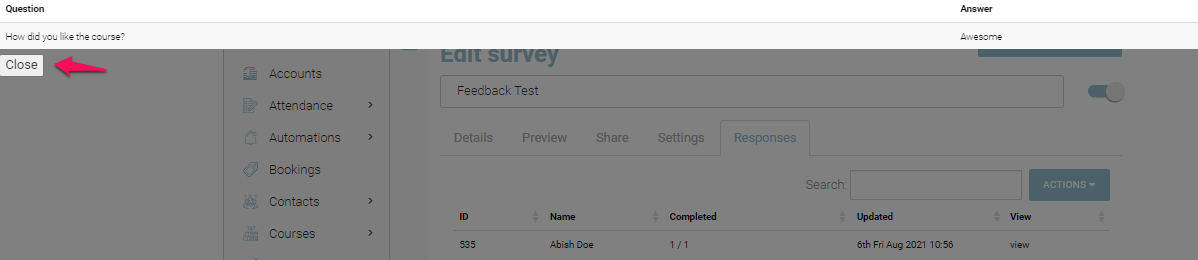
With CourseCo’s view results feature on Survey, you can view the responses and feedback on your survey by just one simple click. To view your survey responses, follow the steps below.
-
Navigate to the website
-
Log In using your credentials
-
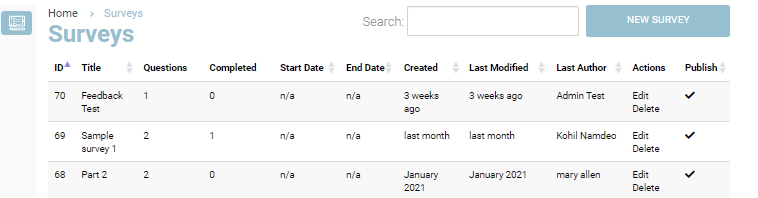
Go to the Survey Plugin
-
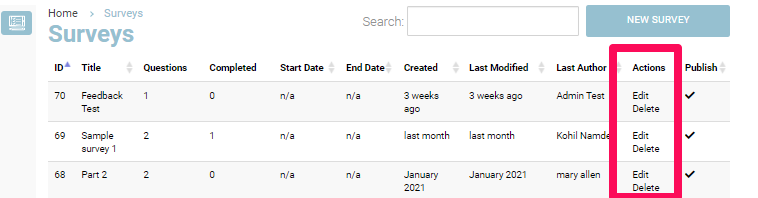
In the Actions column, click Edit
-
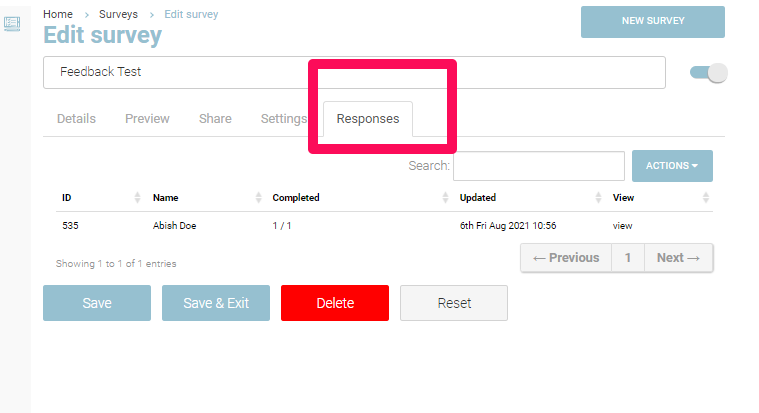
In the Edit mode, click on the Responses tab
-
You will see a list of recorded feedback along with the date and time of completion
-
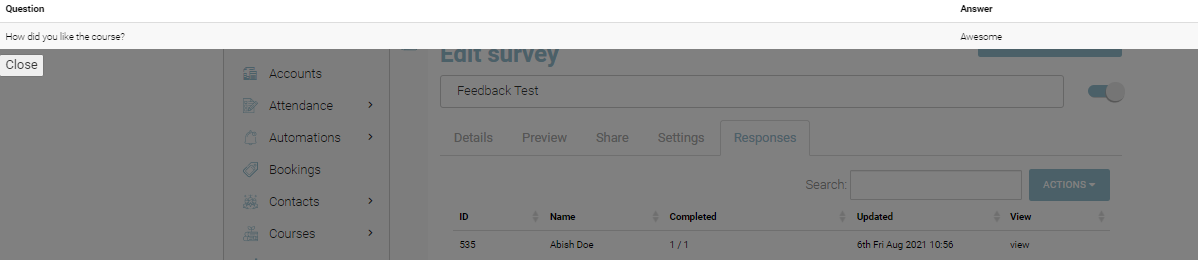
To view the responses, click on view in View column in front of the person for whom you want to view responses
The recorded answer will appear along with the questions on the screen
-
To close the View, click on Close and you will be redirected to the Responses tab