
To run a report on the system, follow the steps below:
-
Log in to the website.
The Home page will be displayed.

-
Click your profile picture on the top right and then click My Account.
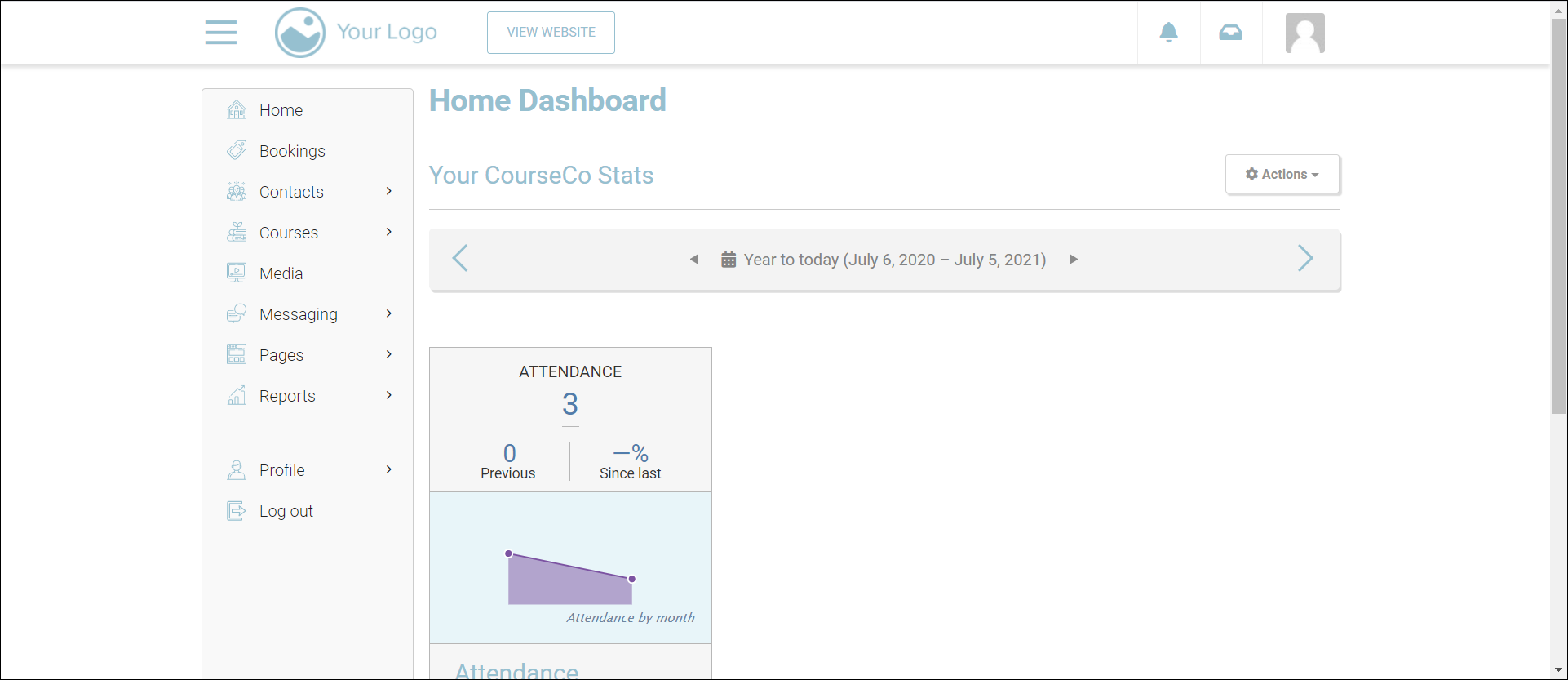
The Home Dashboard will be displayed.
-
Navigate to Reports.
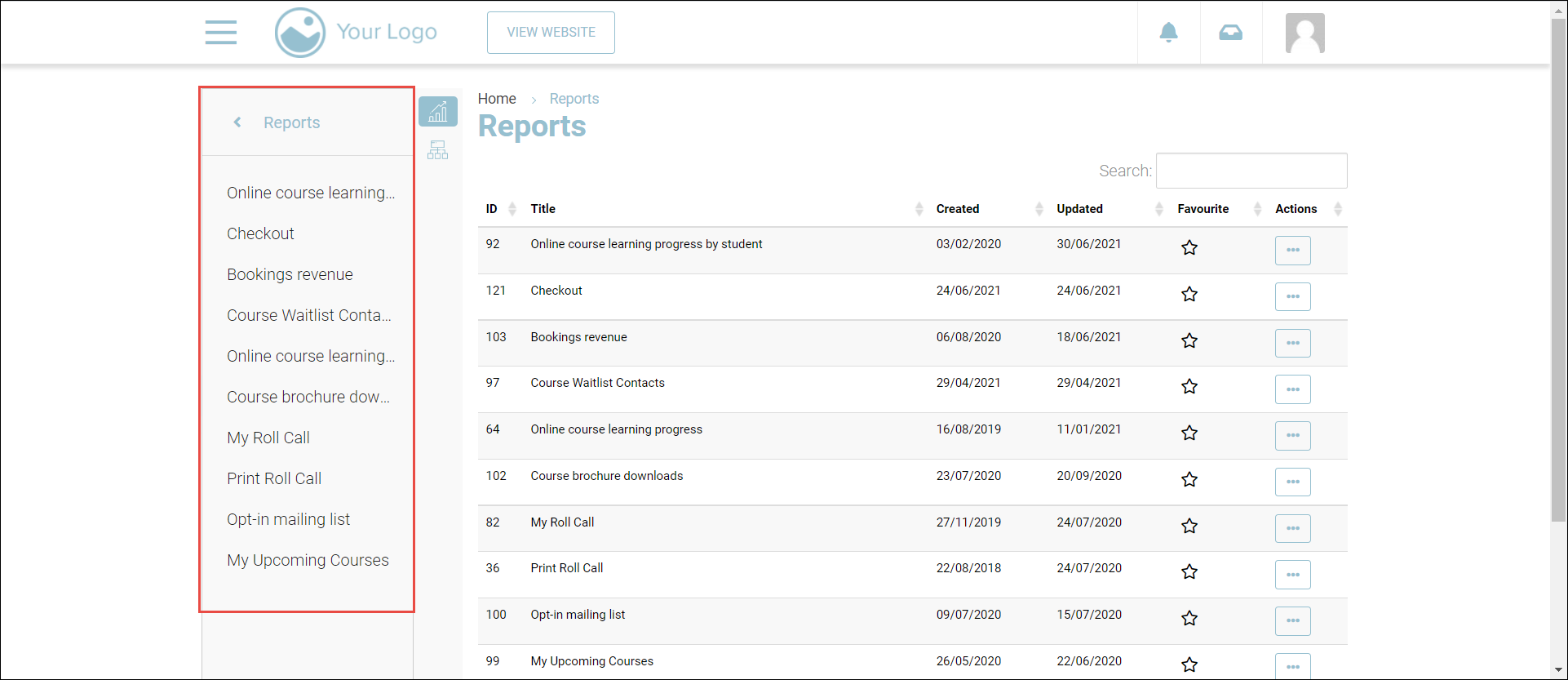
The Reports page showing the report categories will be displayed.
-
On the left navigation menu, click or search for the report that you want to run.
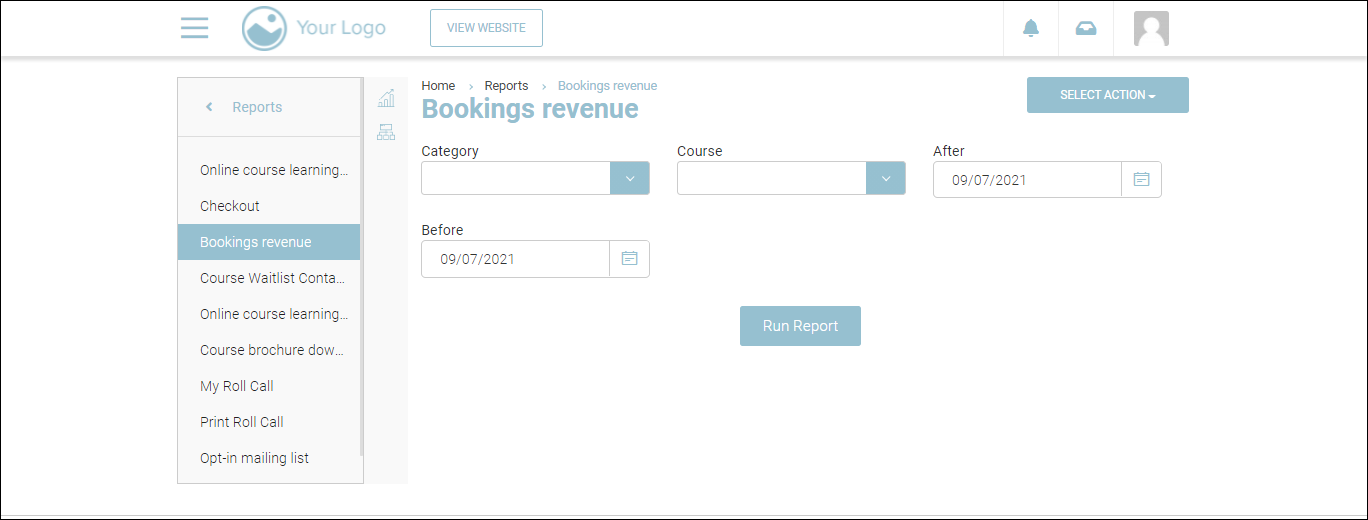
The report will be displayed.
-
Select the date range for which you want to generate the report from the After and Before dropdown calendars:
-
Depending on the report that you want to run, enter/select the required values for any other fields.
-
Click
-
Click on Run Report.
The report will be generated.