
Trainers can view the forum with all the replies and topic being posted by the students and admin.
To view Forum as a trainer, follow these steps:
-
Log In as a trainer
-
Scroll to the footer of the website and select ‘Forum’
-
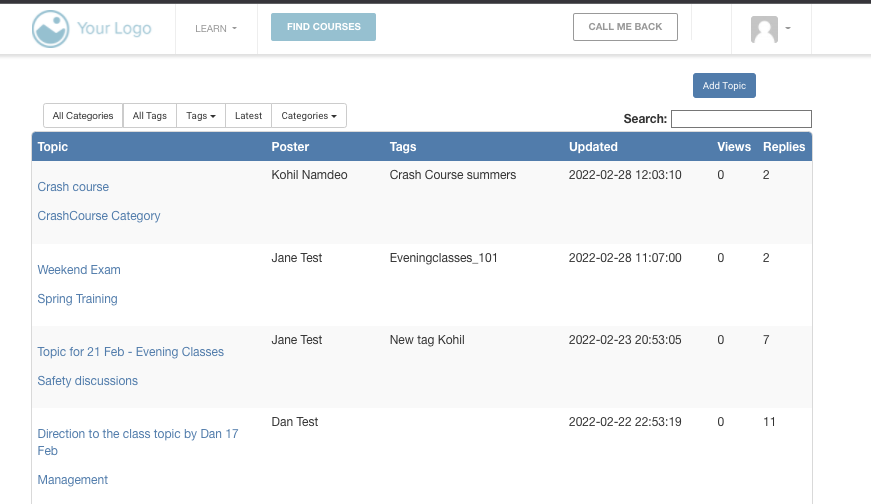
You will be redirected to Forum List page
-
You can select a topic here to view its details of replies and comments
An image below shows how a trainers access to forum looks like:
Forum Notifications for Trainers
IF the trainer is a responsible contact for one of the categories, they will be able to receive notifications about the Topic’s activity. Below are the kind of activities when a trainer can receive an email notification.
A Topic is Posted
-
Trainers can receive an email notification when a topic has been posted related to the category they are responsible for.
-
The topic can be posted by the admin or the student
-
Trainers can receive all the relevant information they might need about the topic being posted as set up by the admin
A reply is Posted
-
Trainers can receive an email notification when a reply has been posted related to the category and topic they are responsible for.
-
The reply can be posted by the admin or the student
-
Trainers can receive all the relevant information they might need about the topic being posted as set up by the admin