
Assigning tasks to other admins is an add on feature. Please contact us to get a demo.
How to assign a Task regarding a contact to an admin
-
Login as an admin
-
Open Contact
-
Search and select a contact
You can assign a task while in bookings also!
-
Using the actions / 3 dots menu (top right of the contacts file)
-
Select ‘assign admin task’
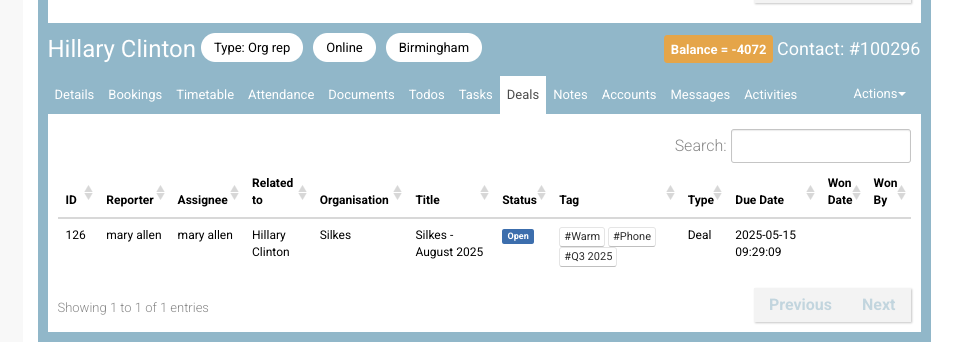
-
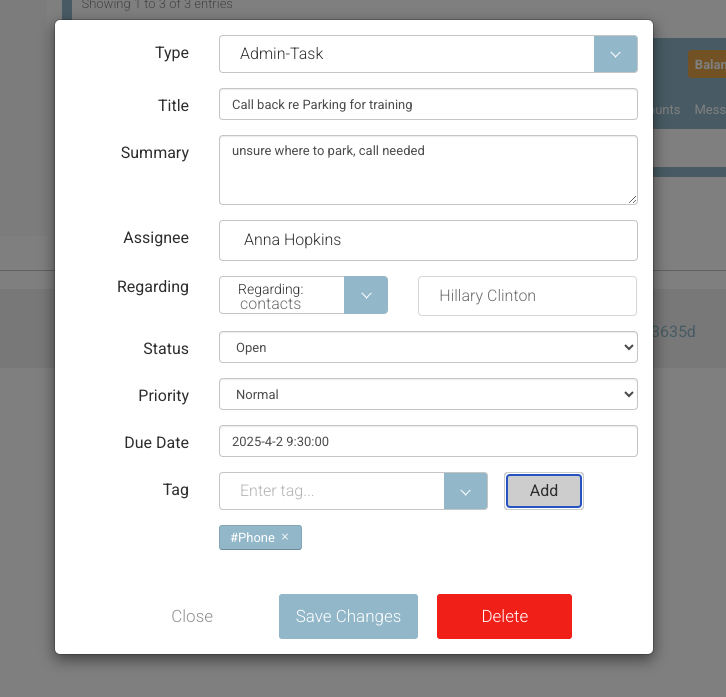
On the popup,
-
enter the summary and description
-
Start typing your assignee name - it will only find admin contacts
-
set your due date
-
Save Changes
-
Outcome:
-
The task is assigned to the admin
-
The task can be seen on the contacts ‘tasks' tab
-
Admin can see all tasks in Tasks left menu